

How to Design Artwork for Heat Transfer Printing
2026-01-04
Creating stunning and durable custom products starts with one crucial step: designing the perfect artwork. Whether you're crafting apparel for a team, promotional items for a business, or personalized gifts, mastering artwork preparation is key to successful Heat Transfer Printing. At Joel, we understand that a great design not only looks good on screen but must also translate perfectly onto fabric. This guide will walk you through the essential principles of designing for Heat Transfer Printing, ensuring your final product is vibrant, professional, and long-lasting.
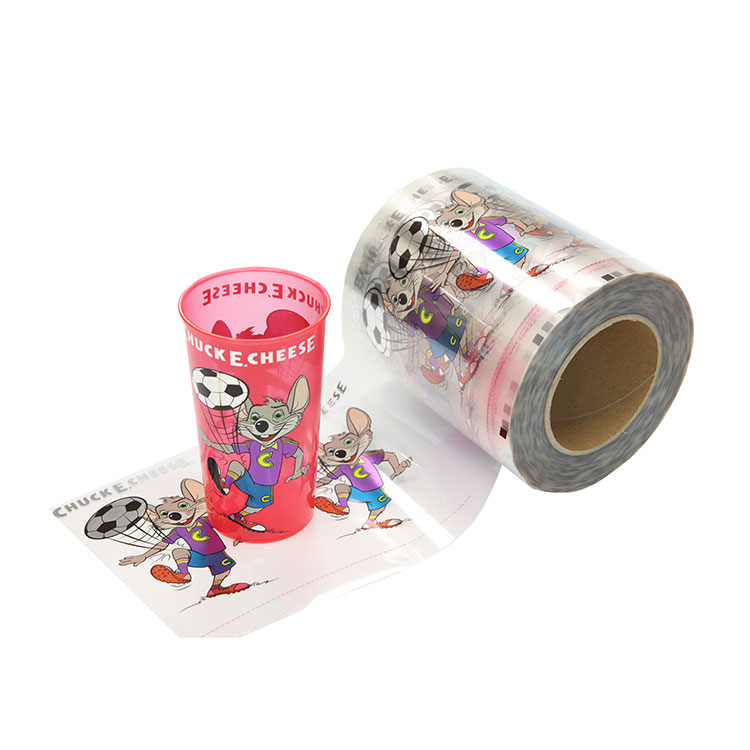
The foundation of an excellent transfer lies in your digital design file. Follow these core guidelines to ensure optimal results:
-
Use Vector Graphics: Whenever possible, design using vector-based software like Adobe Illustrator. Vectors use mathematical paths, allowing your artwork to be scaled to any size without losing quality or becoming pixelated.
-
Set Correct Resolution: For raster images (photos or complex graphics in software like Photoshop), ensure a high resolution of 300 DPI (dots per inch) at the final print size. Low-resolution images will appear blurry when printed.
-
Mind the Color Mode: Always design in CMYK color mode, not RGB. CMYK is the standard for printing and will give you a more accurate preview of how your colors will appear on the transfer and final garment.
-
Simplify Complex Details: Extremely fine lines, tiny text (below 8pt), and subtle gradients can sometimes be challenging to transfer cleanly. Simplify where possible for a more robust print.
Understanding the different types of transfers is vital, as it influences your design approach. Here’s a quick comparison:
| Transfer Type | Best For | Key Design Consideration |
|---|---|---|
| Plastisol | Opaque designs on dark fabrics. | Colors are printed as-is. No need for color separation for darks. |
| Digital (DTG) | Full-color, photographic designs. | Design in full color with a white underbase layer for dark garments. |
| Vinyl | Simple shapes, text, and solid colors. | Design must be simplified into individual color layers for cutting. |
Heat Transfer Printing FAQ
Q: Can I use any font in my design for Heat Transfer Printing?
A: While you can use any font, it's crucial to convert your text to outlines or curves before sending the final file. This ensures the exact font you designed with is preserved, even if the printer doesn't have it installed. For very small text, use bold, sans-serif fonts to ensure clarity.
Q: Do I need to include a white layer under my design for dark shirts?
A: For most Heat Transfer Printing processes on dark garments, yes. Digital (DTG) and some light-color transfers require a white underbase to make your colors pop and appear true. However, specific transfers like plastisol are already opaque. When in doubt, consult with your provider at Joel.
Q: How do I prepare my design file for sending to the printer?
A: Provide your final artwork in a high-quality, press-ready format. Save your file as a PDF, EPS, or high-resolution PNG with a transparent background if needed. Ensure all fonts are outlined, images are embedded, and the canvas size matches your desired print dimensions. Including a color mockup is always helpful.
Perfecting your artwork is the first step toward creating exceptional custom products. By following these professional design principles, you empower your creative vision and guarantee a superior finish. Ready to bring your designs to life with precision and vibrant quality?
Contact us at Joel today for a free artwork review! Our expert team is here to help you optimize your files and choose the perfect Heat Transfer Printing method for your project. Let's create something amazing together.